![260308_Lockport Chamber Logo_[horizontal-color-dark].png](https://static.wixstatic.com/media/f2058a_01a3b09a323d4e55b2407e27de6620d0~mv2.png/v1/crop/x_0,y_0,w_1664,h_847/fill/w_980,h_499,al_c,q_90,usm_0.66_1.00_0.01,enc_avif,quality_auto/260308_Lockport%20Chamber%20Logo_%5Bhorizontal-color-dark%5D.png)

.jpg)
Ribbon Cuttings
Whether you are a new business entering Lockport and seeking support or you are commemorating a milestone within your organization, there is always a reason to celebrate with a Ribbon Cutting Event!
Member Responsibilities
1. Reserve Your Date
Contact the Chamber office at least six weeks in advance to check availability. Please have three potential dates ready for consideration.
2. Arrange Refreshments
We recommend partnering with a fellow Chamber member who offers catering services or feel free to provide your own selection of food and beverages.
3. Plan an Engaging Event
Make it memorable! Consider choosing a fun theme, organizing a raffle, or incorporating a hands-on activity to encourage participation.
4. Spread the Word
Invite your network—including friends, family, loyal customers, and trusted vendors—to ensure a great turnout.
5. Show Appreciation
Be sure to send thank-you notes or follow-up emails to those who attended to show your gratitude and leave a lasting impression.
Lockport Chamber Responsibilities
1. Expert Guidance
Our Manager of Chamber Operations is available to help you brainstorm ideas and share best practices to ensure your event is a success.
2. Promotional Support
We’ll spread the word by including your event in our website calendar, and on our social media pages.
3. Board/Ambassador Presence
Chamber Board Members and Ambassadors will be on-site to welcome guests and help foster connections throughout the event.
4. Event Photography
A designated photographer will attend to capture moments during your event for use in future promotions and publications.
Upcoming Events
 11 days to the eventTue, Oct 13Ascend Performance and RecoveryJoin the Lockport Chamber of Commerce for the official Ribbon Cutting of Ascend Performance and Recovery!
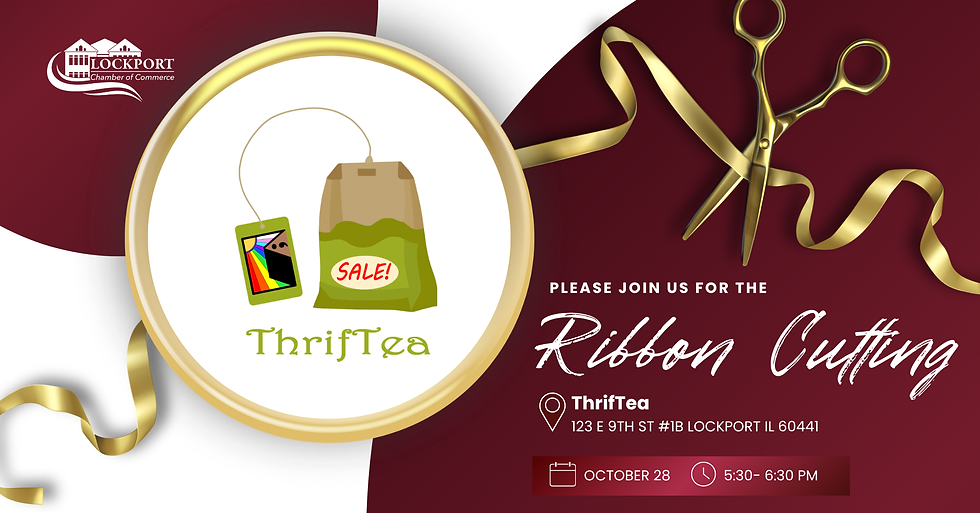 26 days to the eventWed, Oct 28ThrifTeaJoin the Lockport Chamber of Commerce for the official Ribbon Cutting of ThrifTea!
Event Recaps


Invest in your community today by becoming a member and help to make Lockport a better place to live, work and do business.
.png)
.png)
